Affiliate link — I may earn a small commission.
freemiumFree tierAll-in-oneTemplatesDatabases
Notion Review
Workspace · Project Management · Updated July 2026
What is Notion?
Notion is an all-in-one workspace where you can write, plan, collaborate, and stay organized. It brings together notes, docs, wikis, projects, and calendars under one roof.
So basically, you can do anything you want — from building a personal journal, daily planner, or second brain to running an entire business workspace. It's really up to you.
Pros & Cons
While other apps give you predefined workflows, Notion hands you a bag of building blocks and lets you create whatever you want. That flexibility comes with its own set of tradeoffs.
Pros
- Highly customizable databases that work for personal and professional use alike
- All-in-one workspace — notes, docs, wikis, tasks, and calendars in one place
- Well-integrated ecosystem: Notion Calendar, Notion AI, and Notion Mail work together seamlessly, plus strong connections with Slack, Google Drive, Gmail, and more
- Real-time collaboration where everyone sees changes and comments as they happen
Cons
- Overwhelming for new users — the blank canvas can be intimidating without a starting point
- Steep learning curve, especially for users new to more complex software tools
- Outlook AI connector is currently locked to the Enterprise plan, unlike the Google Workspace integration which is available at lower tiers
What makes Notion unique?
Powerful Blocks
Everything in Notion is drag and drop — images, toggles, to-dos, databases, and more. You can build any page in minutes.
Dynamic Databases
Visualize, filter, and sort items any way you want. Creating labels, tags, and categories takes seconds, and you can switch between table, board, calendar, and gallery views instantly.
Integrated Notion AI
Notion AI is woven into the workspace rather than bolted on. You can ask questions across your entire knowledge base ("What were the decisions from last month's planning meeting?") and get synthesized answers pulled from your pages, databases, and docs. It summarizes long documents, extracts action items, and identifies speakers in meeting notes.
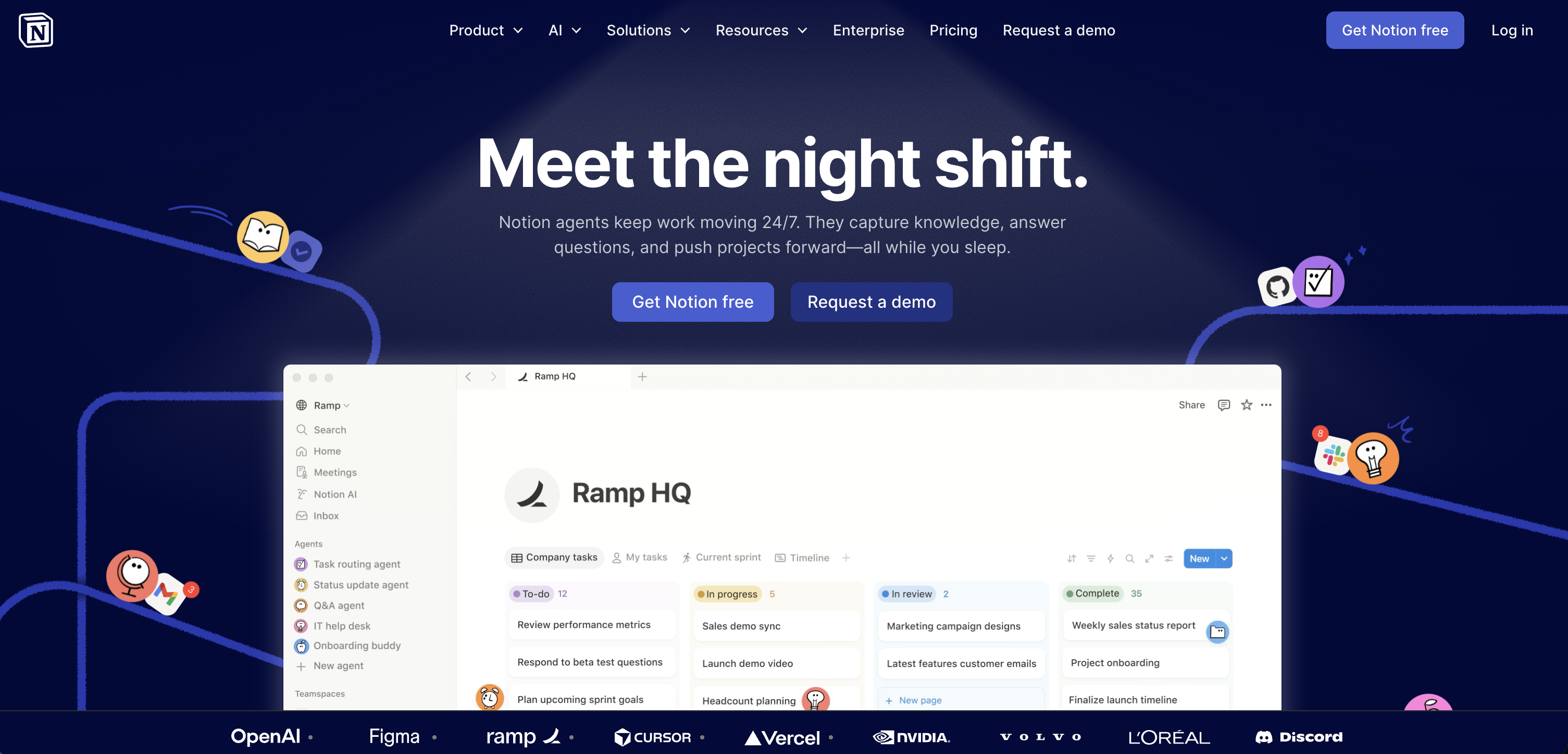
In 2026, Notion expanded AI significantly: the context window now covers 50 pages at once, mobile AI works even when you switch apps or lock your screen, and Smart Connectors let the AI index connected tools like Slack, Google Drive, Jira, and GitHub so answers can span your whole stack, not just Notion. Notion Agents, the newest addition, let AI carry out multi-step tasks inside your workspace automatically.
Note: AI features require the Business plan or above.
Publishing Sites
Publish any page with a single click, connect a custom domain, and get it indexed on Google for SEO — useful for lightweight public-facing pages without a separate website.
Is Notion right for you?
Notion is a strong fit if you want a highly customizable, all-in-one workspace and you're willing to invest time in setting it up. The "build it yourself" nature is a feature, not a bug — and the template library means you don't have to start from scratch.
For solo users, the free plan is genuinely robust. You get unlimited pages and blocks, which is more than enough to run a full personal productivity system.
If you want something you can configure once and leave alone, templates are a great shortcut. If you prefer something more structured out of the box, Notion might feel like too much work upfront.
Things we wish Notion had
- A gentler onboarding experience — there's a lot to discover in Notion, and new users will inevitably need time to find and learn all the features at their disposal
As one of the best no-code tools available, it's worth learning the basics and building from there. You don't need to know any coding to get a lot of value out of it.