
Affiliate link — I may earn a small commission.
freemiumAI notesMeeting summariesLightweight
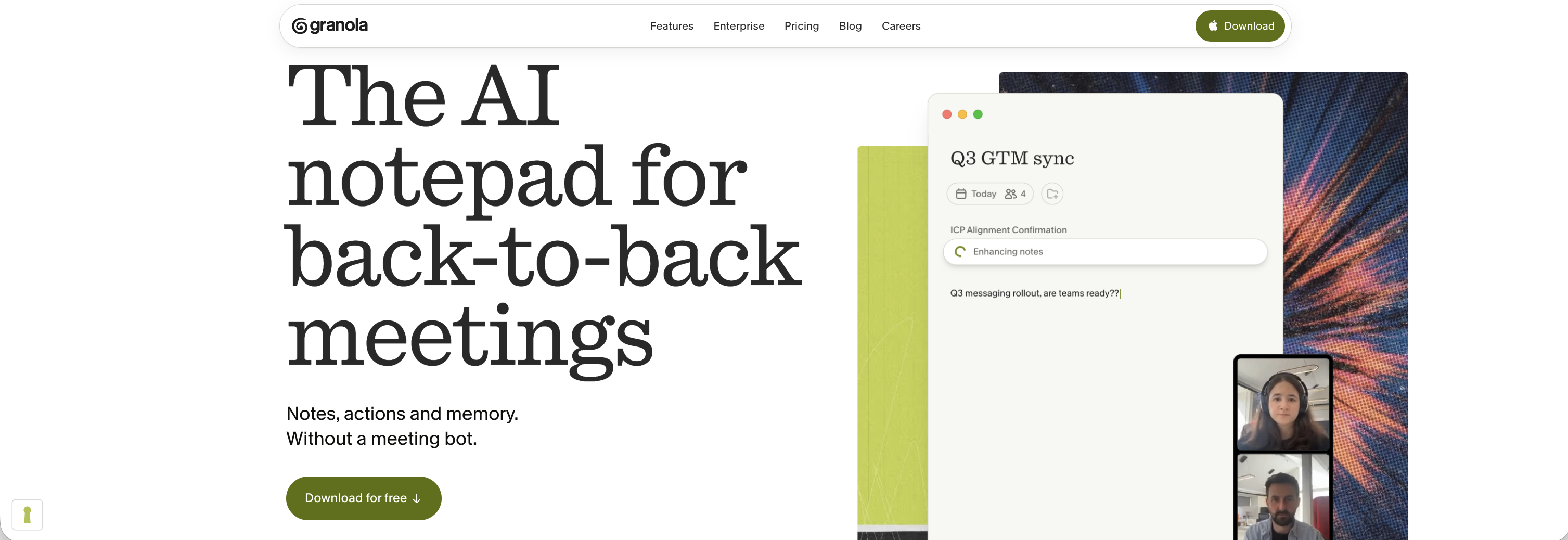
Granola Review
Meeting Notes · Updated July 2026
If you are tired of AI bots joining every meeting and cluttering your calendar, Granola offers a refreshing alternative. It is an AI note-taking app that has been gaining popularity for its simple interface, calming style, and thoughtful approach to meeting transcription. In this review, I will walk you through everything Granola has to offer, from its core layout to its integrations with tools you may already use.
What Is Granola?
Granola is an AI-powered note-taking app designed to transcribe your meetings without joining them as a bot. Instead of adding another participant to your call, Granola works quietly in the background, capturing audio and generating clean, organized notes when you are ready. This approach makes it especially appealing if you prefer a distraction-free meeting experience.
Getting Started with Granola
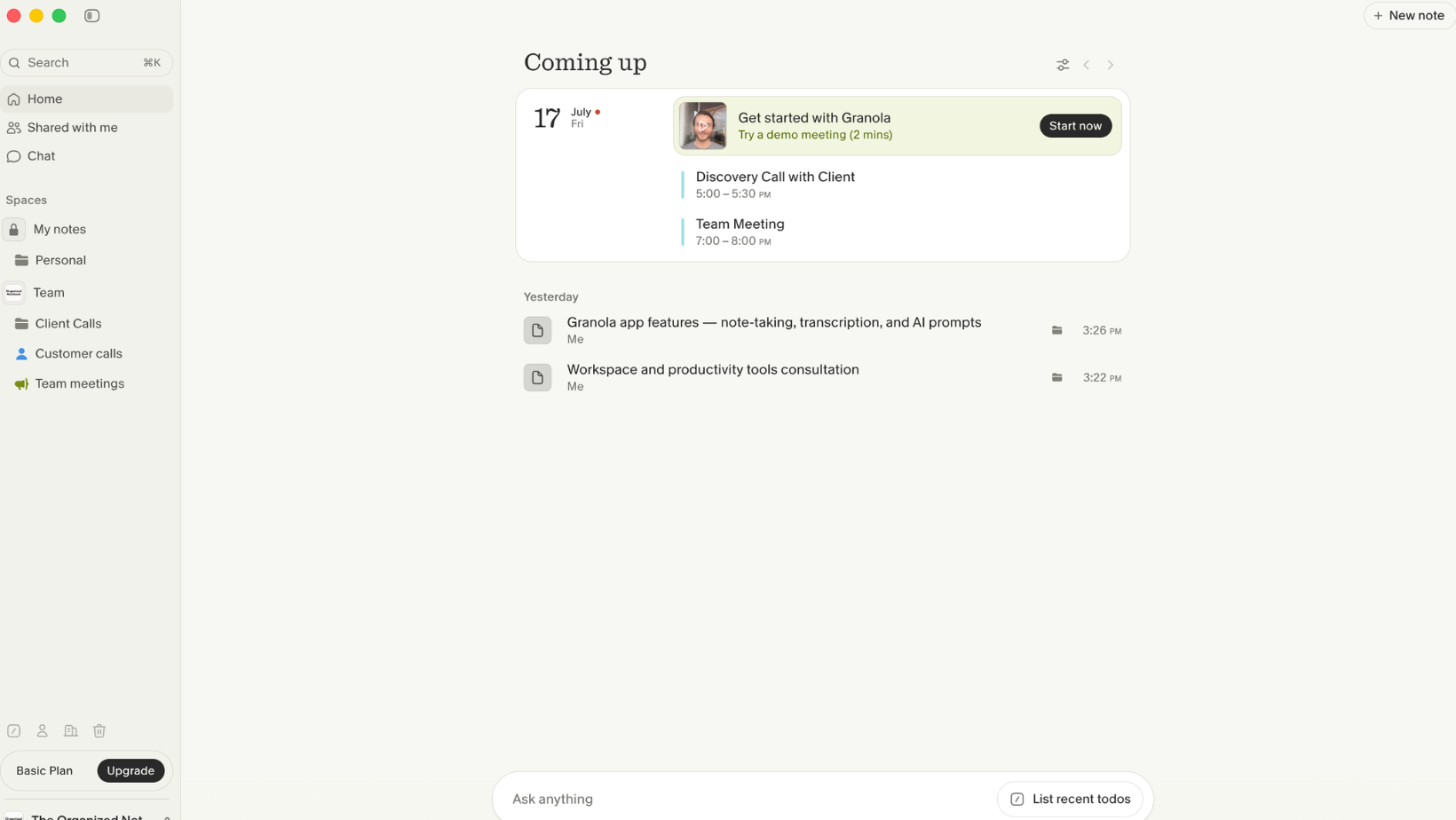
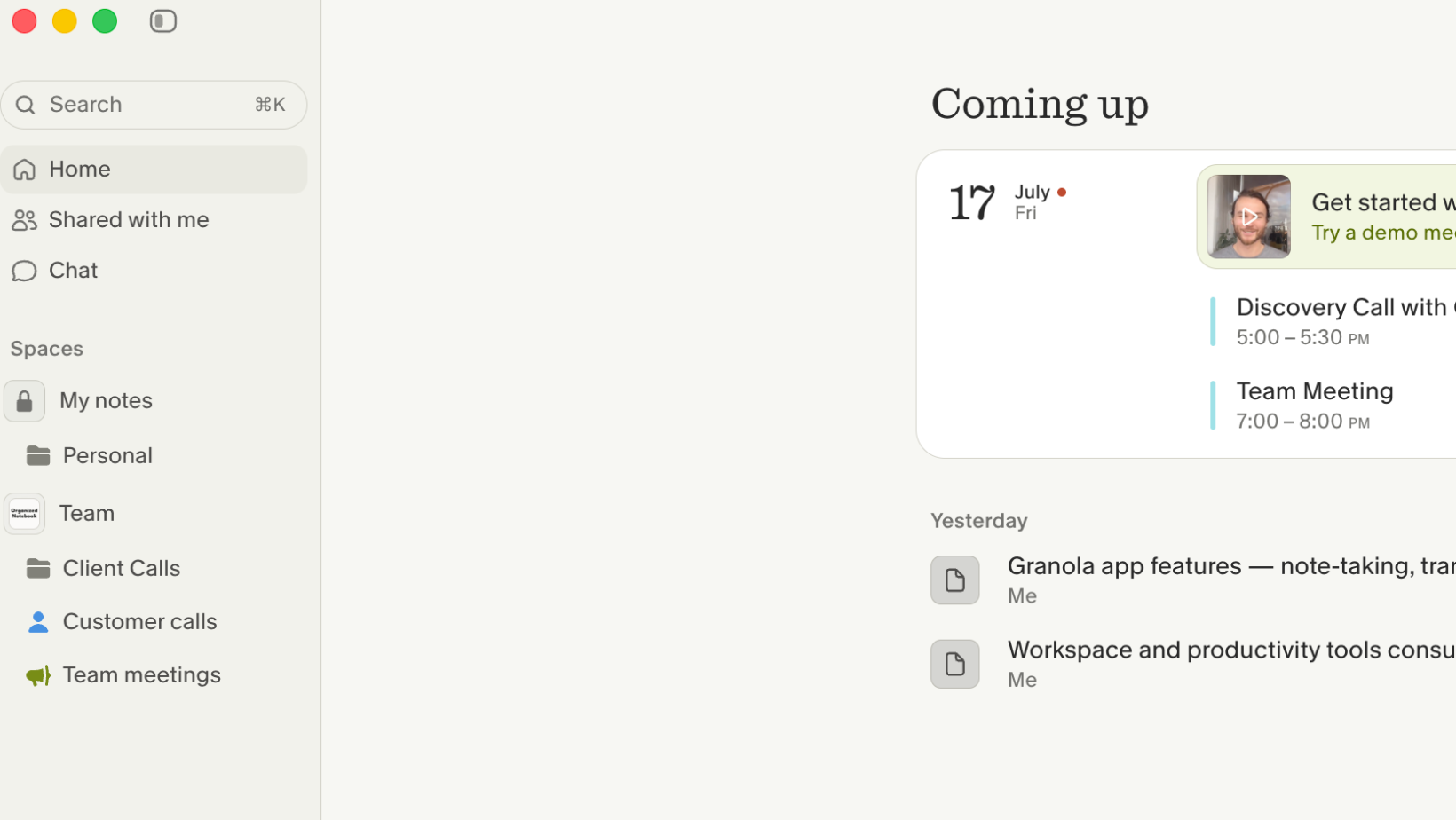
When you first download Granola, you are greeted with a clean, intuitive layout. If you connect your calendar, all of your upcoming events appear in a convenient view, and you can pre-assign notes to specific folders. The sidebar includes Home, Shared with Me for notes others have shared, and a chat interface.
Granola also uses a system of spaces. Your personal space, called My Notes, keeps notes private to you. A team space allows you to share Granola with your team, which is particularly useful if you have many client calls or customer conversations that need to be consolidated in one place.
The Transcription Experience
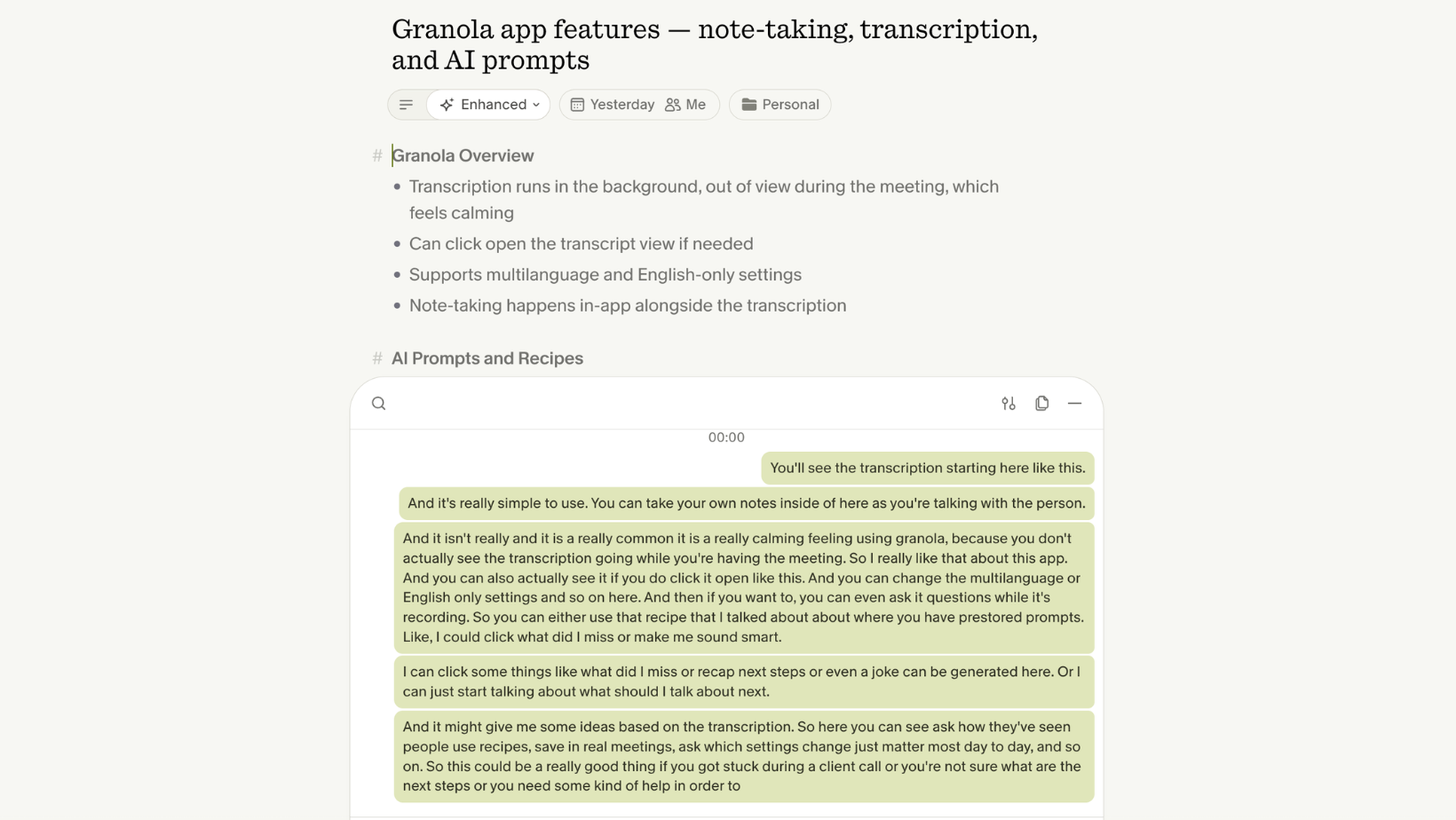
Starting a transcription is as simple as clicking New Note. The transcription begins immediately, and you can take your own notes alongside it while you talk. One of the most appreciated aspects of Granola is that you do not see the transcription happening in real time, which creates a calming experience during meetings.
If you do want to check the live transcription, you can click to open it. You can also adjust settings such as multi-language or English-only transcription. When your call ends, you simply click Generate Notes, and Granola produces a clean summary along with any personal notes you took during the meeting.
Chatting During and After Meetings
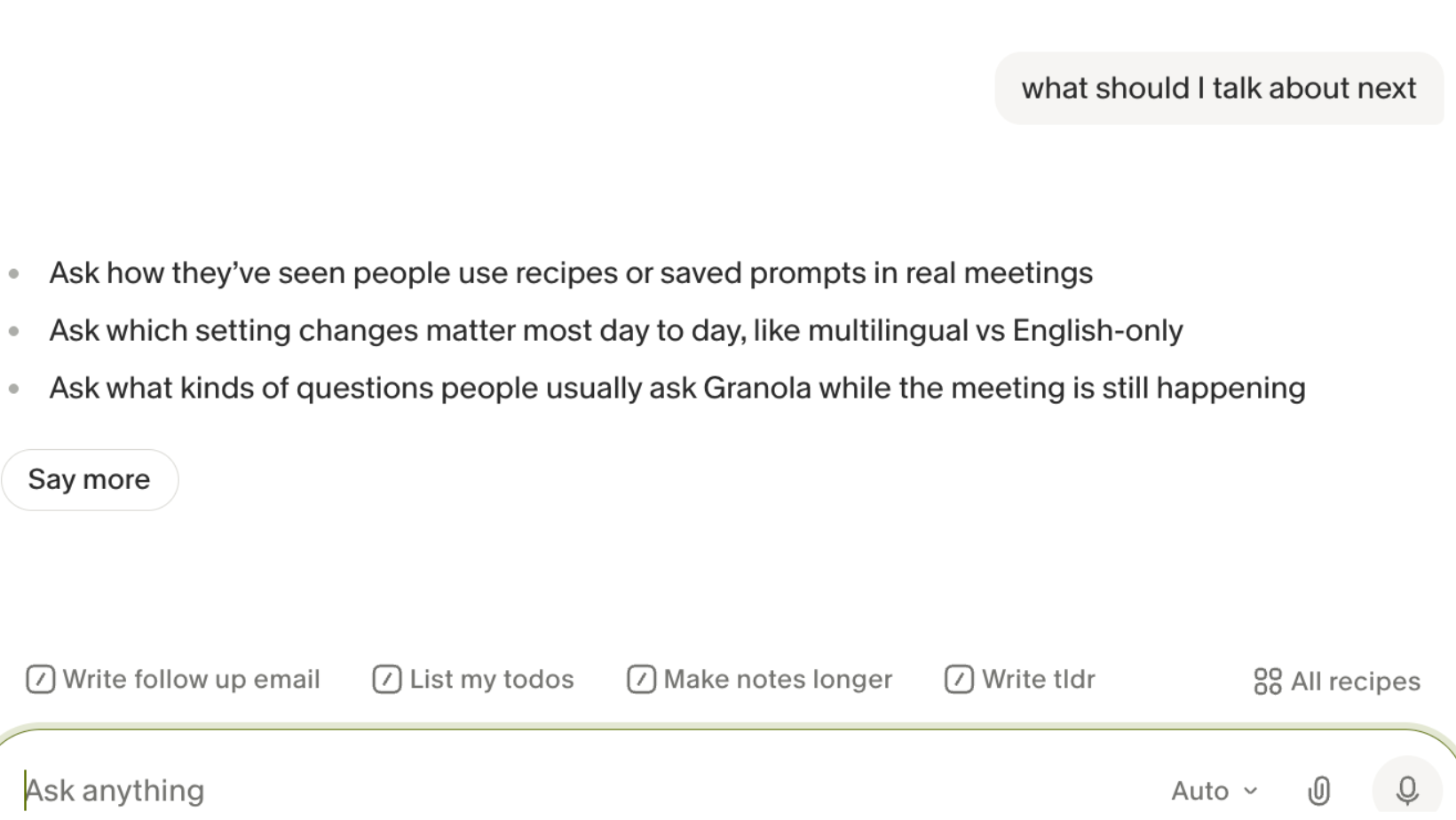
One of the standout features of Granola is its chat-focused approach. During a meeting, you can ask Granola questions while it is recording. You can use pre-stored prompts called recipes to quickly pull up common requests, such as:
- "What did I miss?"
- "Recap next steps"
- "What should I talk about next?"
This is especially helpful if you get stuck during a client call or need a quick prompt to keep the conversation moving.
Outside of meetings, the chat works across your entire Granola workspace. You can ask questions like "What happened in recent meetings?" or "What is a key theme for my client calls?" and Granola will search through your notes to provide answers.
Recipes: Saved Prompts for Faster Meetings
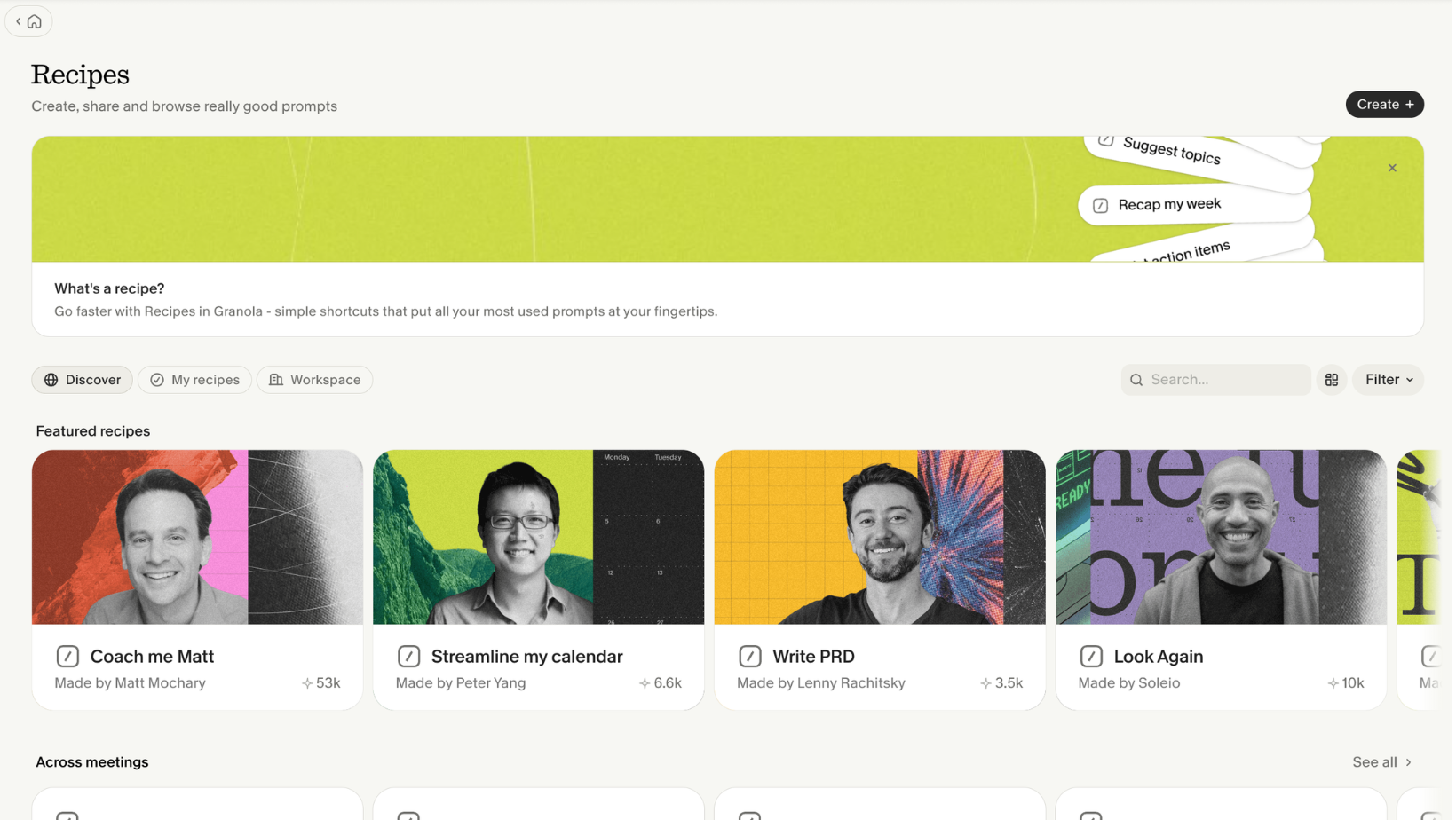
Recipes are essentially slash commands that you can create and save for reuse. They are designed for moments when you are in a meeting and do not have time to type out a full prompt. For example, you might create a recipe called "Give me some next talking points" and pull it up with a slash command during a call.
You can also use recipes shared by other people, which you can access by typing slash and browsing the suggestions. This makes it easy to adopt best practices from the Granola community without building everything from scratch.
People and Companies: A Lightweight CRM
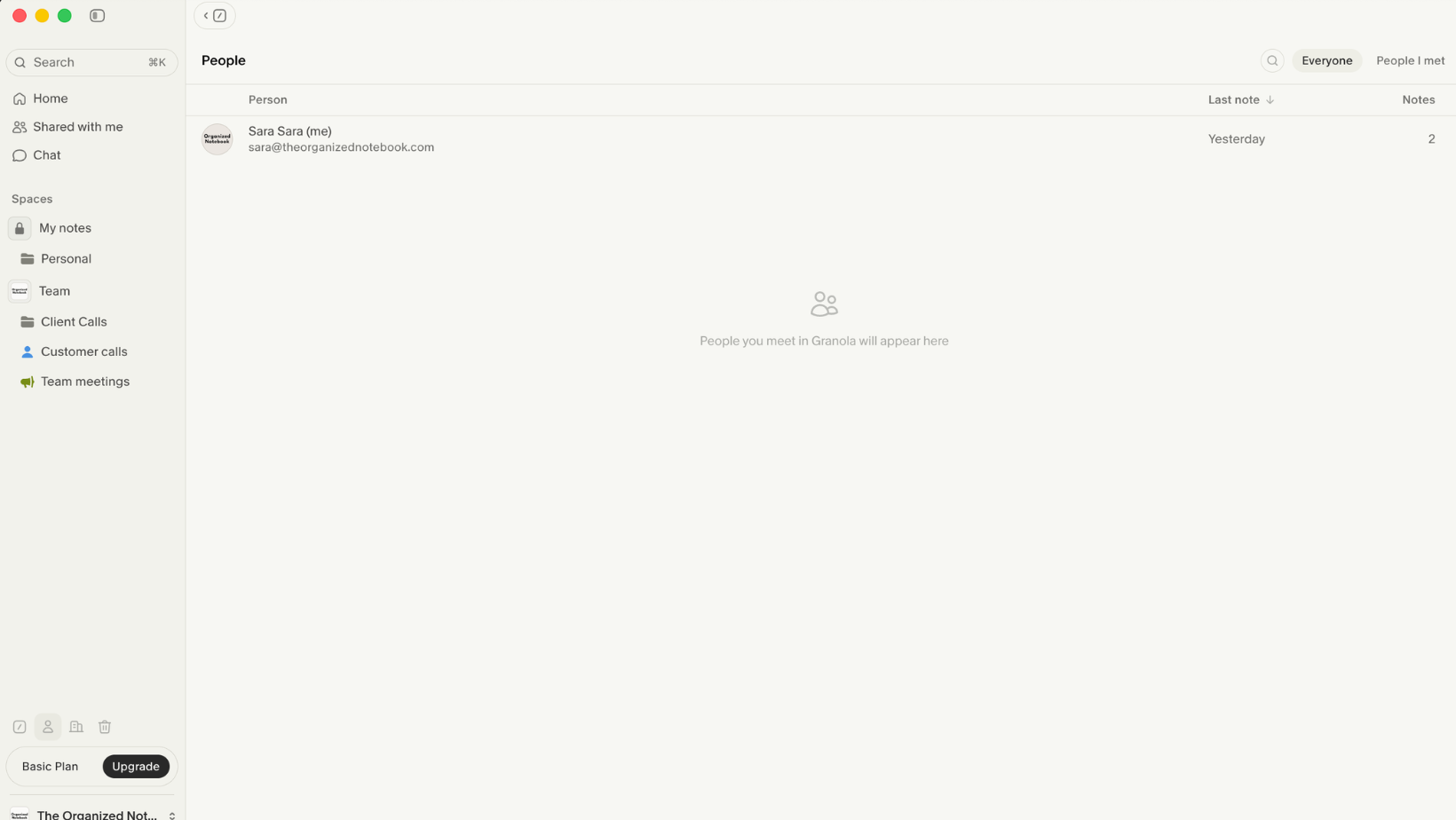
Granola includes a lightweight CRM feature that tracks who you have had calls with. You can view important information about each person and see all of the transcripts you recorded for them. This is a great way to review past conversations and prepare for future ones.
Integrations and Connectors
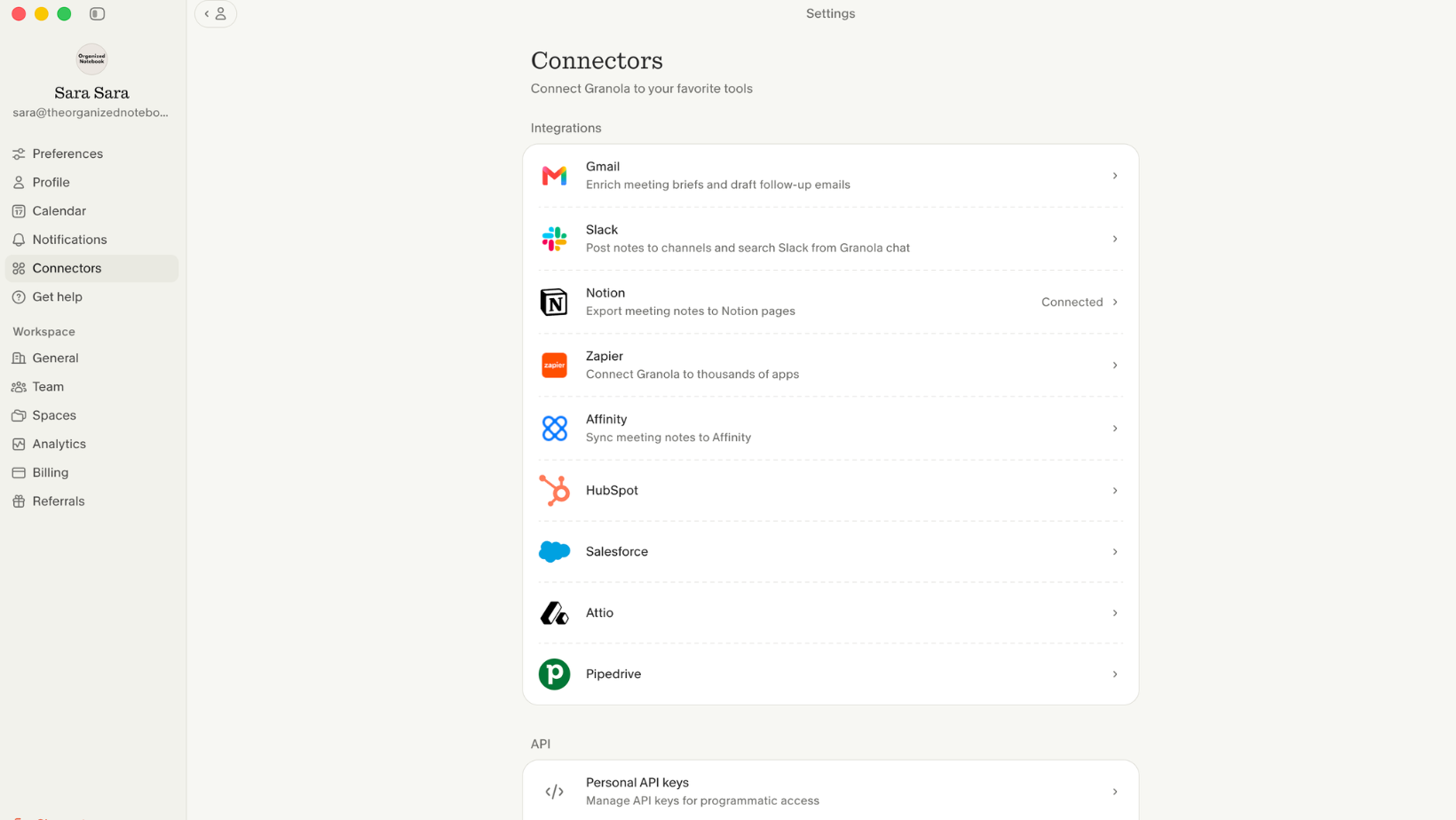
Granola is available with integrations to other tools on its paid plans. You can send notes to Zapier, Notion, HubSpot, or connect to Slack. You can also copy notes directly from any note.
In the settings, under Connectors, you will find all available integrations. One notable feature is the ability to bring your meeting notes into your AI tools. For example, if you connect Granola to Claude, you can ask Claude about your recent meeting notes and have that context available for follow-up tasks.
Is Granola Right for You?
Granola is a strong choice if you value a clean, calming interface and want AI meeting notes without the disruption of a bot joining your calls. The chat features, recipes, and integrations make it a versatile tool for professionals who handle many meetings throughout the week.